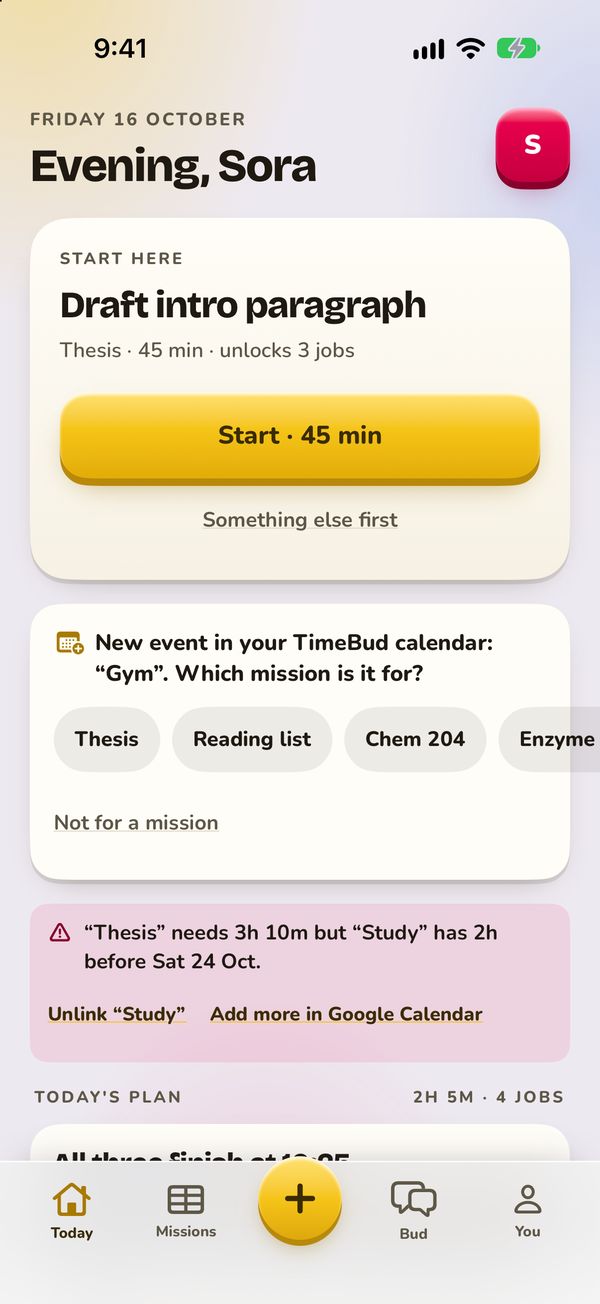
One job. Already picked.
Bud looks at everything that’s due and puts one thing on top. Start there.
iOS
 TimeBud
ok, be honest…
Bud breaks what’s due into tiny jobs, picks the one to do now, and fits your focus time around your day. You just press start.
Bud looks at everything that’s due and puts one thing on top. Start there.
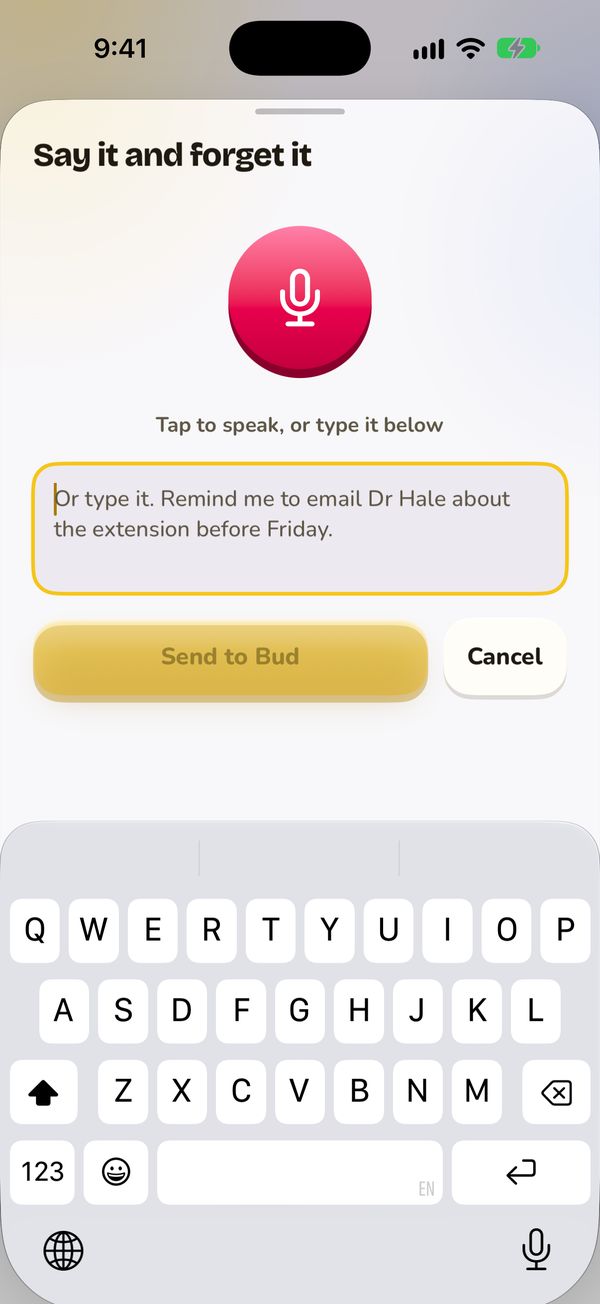
Talk or type what’s on your mind. Bud turns it into missions and notes.
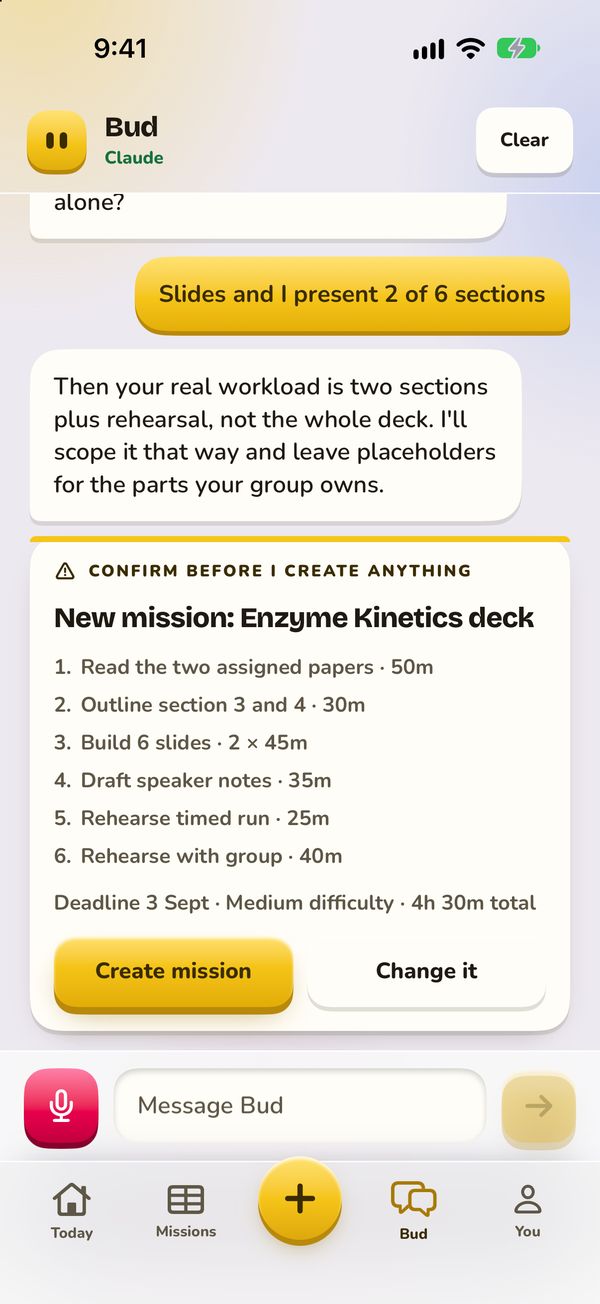
Ask Bud to break a project into steps small enough to start right now.
Something else? Write to support@soroucsh.com.
No. A to-do app assumes you already know the tasks. Bud works them out, then picks the one to do first and fits the rest around your day.
No. It owns the inside of a work block you already carved out. No habits, no sleep, no meetings.
Anything that uses AI: chat, splitting projects into jobs, filing captures and voice. Planning, timers and focus runs are free.
No. Without one you type how many minutes you have.
Google Calendar, or Apple Calendar on iPhone. TimeBud reads only when you’re busy, and writes your planned jobs only to its own calendar, called “TimeBud”.
Bud uses it to plan your day, and it stays with your account until you clear the chat or delete your account (Profile, then Delete account). For a copy of your data, email support@usetimebud.app.